

Cold chain protection in supermarket display units fails more often through specification gaps than through refrigeration failure. In 26 years of commercial refrigeration engineering, I have found that most temperature drift begins with uneven airflow, undersized or poorly sealed doors, and defrost settings that fight the evaporator instead of clearing it. Supermarket display units do not need more temperature sensors alone. They need a specification that matches the store environment and a maintenance routine that keeps cold air where it belongs. This article covers the operating signs, design checks, and maintenance habits that keep chilled stock from drifting out of the safe temperature band.
Why Do Supermarket Display Units Challenge Cold Chain Stability?
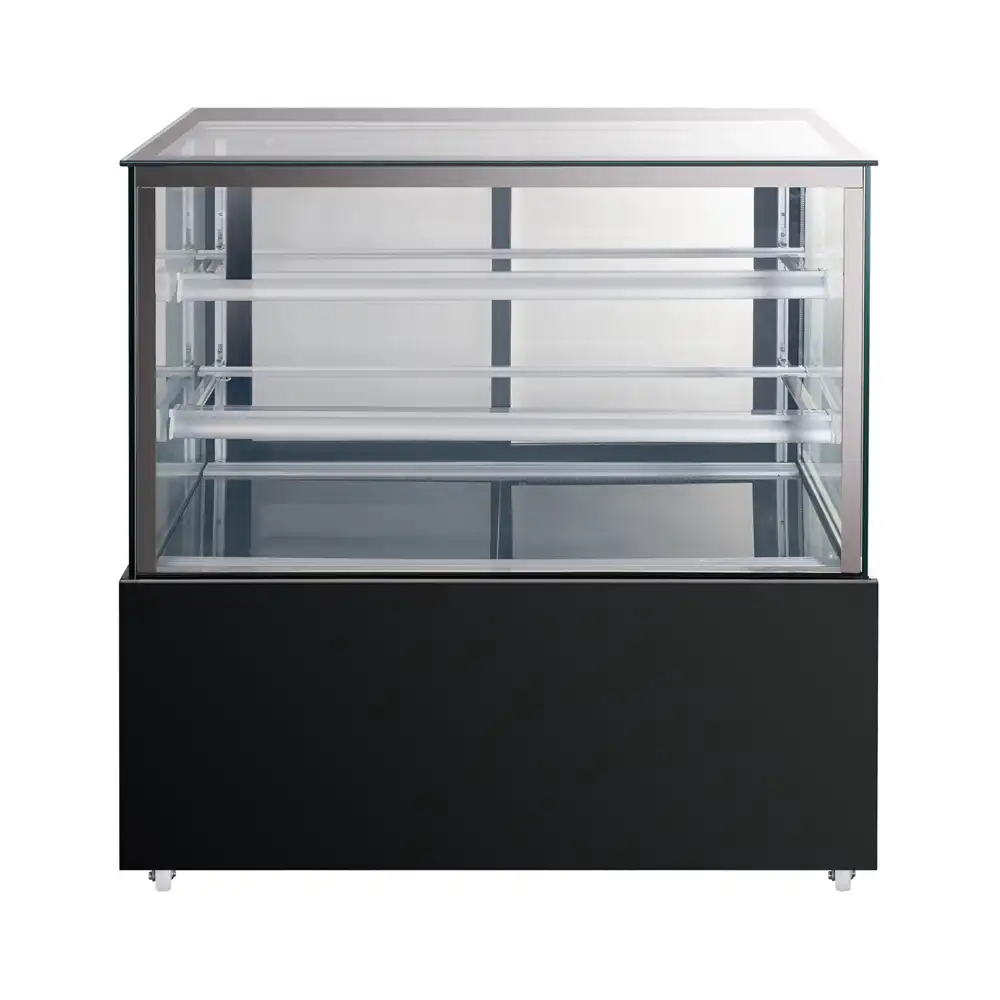
Supermarket display units have a harder job than most walk-in coolers because they operate directly in the sales floor environment. A walk-in has a sealed room and a limited number of door openings. A display case sits inside the store, under lighting, next to entry doors, and in front of customers who open doors or reach through open fronts all day. That constantly introduces warmer, more humid air into the cabinet.
The cold chain in a display unit is not only about the set point on the controller. It is the full path from evaporator discharge to return air. If product blocks the return air path, the sensor may read an acceptable temperature while the front of the cabinet is several degrees warmer. If the store HVAC blows directly across an open-front case, the air curtain can be broken and cold air spills onto the floor. If the door gaskets are compressed or torn, moist air enters and turns into condensation or ice.
Our factory testing and field reviews have shown that many unstable open display cases are not refrigeration failures at all. They are the result of store environmental conditions that the cabinet was never specified to handle. A display case rated for a climate class of ST under normal supermarket conditions can work well, but the same case near a bakery oven or a west-facing window will cycle differently. The specification has to match the real placement, not just the store average.
Supermarket teams do not have to accept drift as normal. Most problems come from a small number of controllable factors: air infiltration, radiant heat load, blocked airflow, and defrost timing. Once those are identified, the repair is usually easier than replacing the compressor.
What Are the First Signs That a Display Unit Is Losing Cold Chain Control?
The earliest signs are usually visible before the temperature log goes out of range. Condensation on the glass or on product packaging shows that humid store air is entering the cabinet faster than the cold surfaces can handle. Frost on the evaporator, especially in patches, shows that defrost is not finishing or that air is bypassing a section. A compressor that runs longer than normal while the cabinet still drifts upward usually points to reduced airflow, not a weak compressor.
Another early sign is product temperature difference across the cabinet. A chilled display unit with a stable cold chain should hold product within a narrow band from front to back. If the rear items are at 2°C and the front items are at 8°C, the air curtain or return path is blocked. Check the visible load limit lines first. Overfilled shelves are simple to fix and often restore the temperature profile within an hour.
Operators should also watch the door behavior on glass-door units. A door that no longer closes by itself, a handle that feels loose, or a gasket that has flattened means air is entering around the frame. This is not cosmetic. A small gap along the top of a door can raise the evaporator load enough to shorten compressor life and push defrost beyond its design window. When I review a cabinet that drifts after hours, the door seal is one of the first items I check.
The temperature log itself matters. If the log shows a slow rise during the afternoon and a recovery overnight, that points to the store environment, not the refrigeration circuit. If the rise is sudden and repeats every few hours, the defrost settings or the controller probe location may be wrong. Both patterns are specific, and they lead to different corrections. Recording the time of drift is not extra paperwork. It tells you which part of the system has changed.
Which Design Specifications Keep Cold Chain Air Working in Display Units?
The specification sheet is where most display case failures begin or end. When I evaluate a display unit for a supermarket, I look at five design details before I look at the compressor brand.
First is cabinet insulation. A display case with thin or uneven insulation leaks heat through the walls even when the doors stay closed. The DWG-1200ZA display cooler uses 40 mm thick polyurethane and cyclopentane insulation, which keeps the wall temperature stable and reduces the cooling load.
Second is the cooling system. Ventilated cooling with automatic defrost keeps the evaporator working in a humid store, but only if the evaporator coil and airflow path are designed together. A strong fan with a blocked return path is still a warm cabinet.
Third is the door and gasket construction. Self-closing doors, recessed handles, and clean gasket seating reduce the amount of humid air that enters during a normal customer opening.
Fourth is the controller. Smart digital temperature control should report the actual cabinet temperature and compressor status, not just a set point. If the controller includes IoT or WiFi monitoring, operators can review overnight drift without standing at the case.
Fifth is the ambient temperature rating. Many commercial display cases are rated for a climate class such as ST, with an ambient range that is designed for operation at 38°C and 53% humidity. But that rating assumes the unit is not sitting in direct sunlight or next to a hot food counter. Before finalizing a specification, tell the manufacturer where the case will actually sit. A case placed in the wrong environment will run frequent defrost cycles and still struggle to hold temperature.
The following table shows how the main display case styles carry different cold chain risks. It is not a ranking. It is a specification worksheet.
| Display style | Main cold chain risk | Specification priority | Maintenance check |
|---|---|---|---|
| Open-front multideck | Ambient air breaks the air curtain | Night covers, curtain velocity, store HVAC location | Curtain alignment and case loading |
| Glass-door reach-in display | Door leakage and frequent openings | Gasket design, self-closing hinge, heated frame | Weekly gasket and hinge inspection |
| Countertop display case | Radiant heat from counters or windows | Insulation thickness and placement | Quarterly coil cleaning and location review |
The same door-seal and airflow discipline used for reach-in cabinets applies to glass-door display units. <Choosing the Best Commercial Reach In Fridge for Your Restaurant> covers the sizing, airflow, and door checkpoints that keep a commercial cabinet stable under heavy opening cycles.
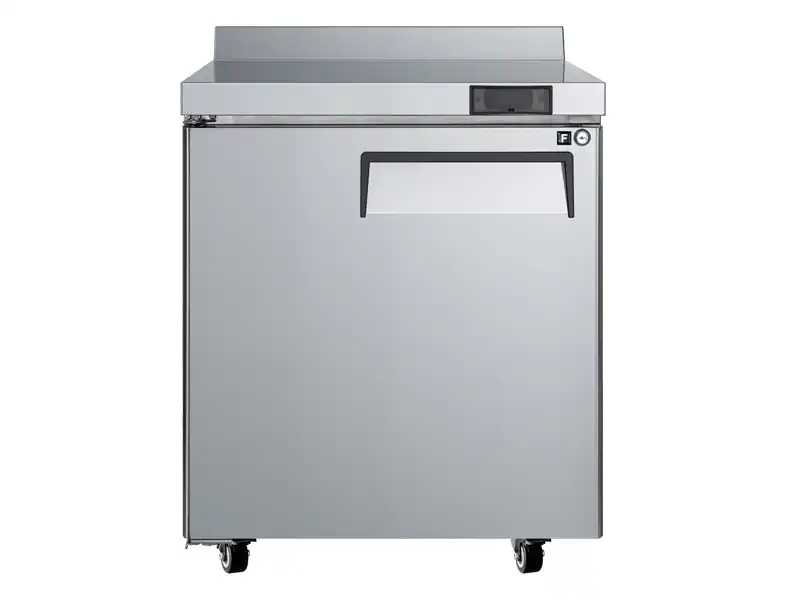
The Camay MWTF-27-L worktop display cooler combines R290 refrigerant, a ventilated cooling system, automatic defrost, and polyurethane and cyclopentane insulation to hold a refrigerated band of 0.5°C to 5°C. This is the same type of specification detail that should appear in a supermarket display unit. It is not a luxury feature. It directly affects how often the compressor cycles and how stable the product temperature remains.
If your program includes open-front multideck cases in a high-humidity coastal store, it is worth confirming the air curtain velocity and night curtain arrangement before finalizing the specification. Send your store’s worst-case ambient conditions to Sales@hzcamay.com and we can confirm which display configuration will hold temperature without excessive defrost load.
Which Maintenance Habits Stop Display Unit Temperature Drift?
A display unit that starts with a correct specification still drifts if the maintenance routine is uneven. I have learned to treat these checks as a regular cycle, not an annual task.
-
Inspect door gaskets and hinges weekly. Run a thin strip of paper between the door and the frame. If it slips out easily, the seal is weak. Replace flattened or torn gaskets on the same visit, not the next month.
-
Clean the condenser and evaporator coils on a schedule. The condenser rejects heat to the store, and the evaporator absorbs heat from the cabinet. Dirty coils make the compressor run longer and make defrost less efficient. The interval depends on store conditions, but a cabinet near a deli or bakery may need cleaning every two months.
-
Check defrost termination. A defrost cycle that runs too long adds heat to the cabinet. A termination sensor or timer that is off by a few minutes can create the frost-and-drip pattern that staff notice before the alarm sounds. Confirm the defrost ends when the evaporator is clear, not on a fixed timer alone.
-
Inspect the airflow path. Look at the return air grilles and the product load lines. Stock shifted or stacked past the limit can block return air even when the doors close.
-
Verify the temperature probes and controller offset. A probe that has pulled away from its clip reads the air around it, not the cabinet. Compare the controller reading with a calibrated probe placed in the cabinet. Adjust the offset only after confirming the difference, and record the correction.
-
Keep a simple log of door repairs, defrost events, and set point changes. A log is not a food safety audit by itself, but it shows whether a problem is new or repeating. Our team uses that history to decide whether a case needs maintenance or a different specification.
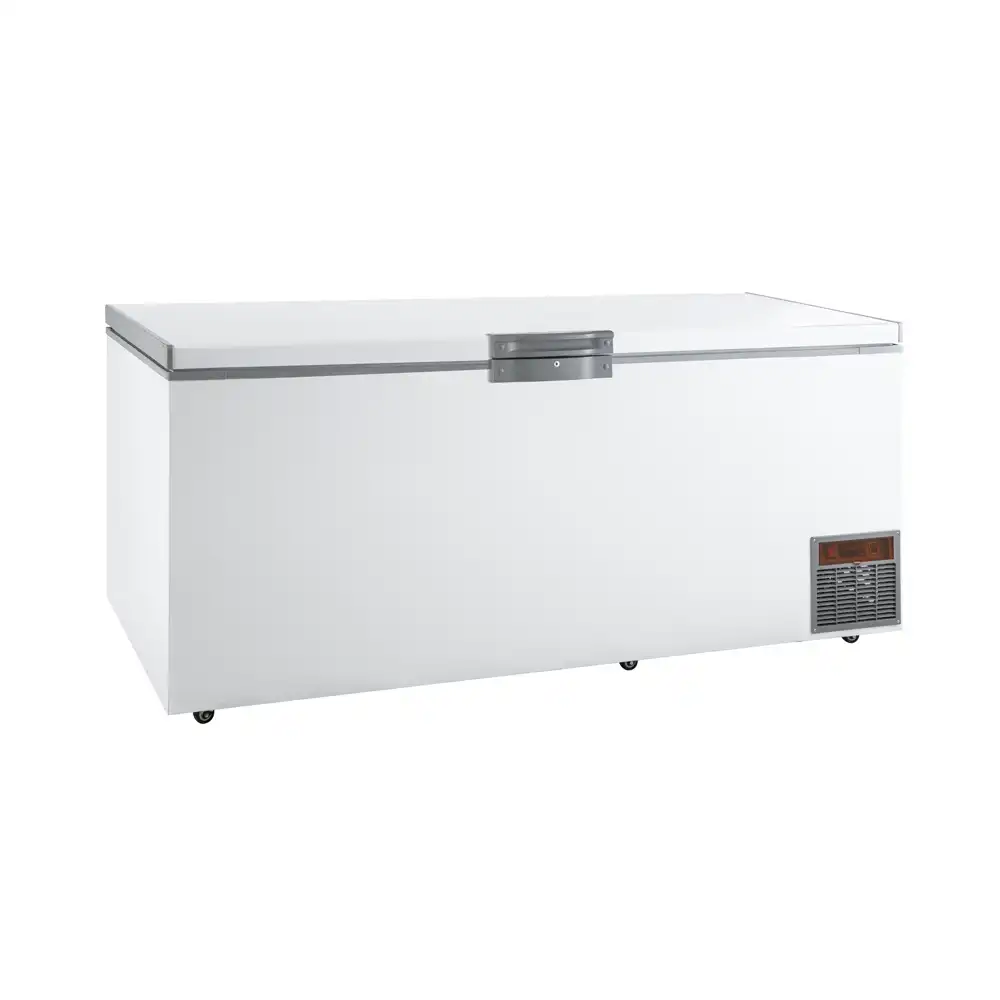
Frozen display and chilled display require different set point and defrost behavior. <Upright Freezer vs Refrigerator Key Differences Explained> explains why the controls, airflow path, and door sealing should never be treated as interchangeable when a cabinet moves below 0°C.
What Should Buyers Confirm Before Finalizing a Display Unit Cold Chain Specification?
The most expensive cold chain problem is buying a display unit that is fine in the brochure but wrong for the store. That cost shows up later as shortened compressor life, repeated defrost alarms, and stock losses that are hard to trace. Before placing an order, I recommend confirming the actual cabinet dimensions and placement, the ambient temperature and humidity at the case location, the product load and display style, the required temperature band, and the voltage and frequency available on site.
This is not a formality. A display unit built for a mild European ambient may work poorly in a hot Southeast Asian supermarket. A cabinet specified for 115 V 60 Hz cannot simply be connected to a 220 V 50 Hz supply without changing the refrigeration circuit and compressor. When buyers send these details early, the manufacturer can adjust the refrigerant charge, evaporator selection, door configuration, or controller settings before the unit leaves the factory.
Send your display unit requirements to Sales@hzcamay.com or call +8618157202219. Ask for a cold chain specification review before you finalize the order. Sending the store layout, target temperature band, and ambient conditions is usually enough for us to confirm which display configuration will hold stable temperature.
What Do Supermarket Operators Ask About Display Unit Cold Chain?
How often should display unit temperatures be logged?
Log temperatures every four hours during operating periods, not once per shift. The four-hour gap catches the slow afternoon rise that a single daily check misses, and it still keeps the task manageable for a busy store team. Compare each reading with the target band for the product, not just with the cabinet set point. If the store uses an IoT controller with remote logging, set alerts for the upper band and review the overnight trend before opening.
Does a cold display unit mean the cold chain is safe?
Many operators assume a cold display unit is safe, but a low air temperature near the probe can hide warm product. The cold chain fails when product sits in a warm front zone while the return air sensor reads cold air at the back. The safest check is to measure the actual product temperature in several positions, especially near doors and at the front of open cases. Air temperature is a control signal. It is not the same as product temperature.
Is an open-front case or glass-door case better for cold chain stability?
It depends on the store environment and the product. Glass-door cases hold a more stable temperature under heavy customer traffic because the door closes after each opening. Open-front cases work well for fast-moving items where stock turns quickly, but they are more sensitive to store HVAC drafts and require night covers or higher airflow to protect the curtain. A supermarket with high humidity and slow evening sales should usually lean toward glass-door or covered display units, while a high-volume corner store with strong turnover can make open-front units work.
Why does frost form on the evaporator even when the cabinet is at the right temperature?
In units I have reviewed, frost on the evaporator usually points to a defrost problem or outside air, not a set point error. Moist air enters through a damaged door seal or an open case, freezes on the coil, and builds before the next defrost can clear it. If the defrost termination sensor is out of position, the cycle ends early and leaves frost behind. The symptom is not dangerous by itself, but it reduces airflow and can push the cabinet out of range within days.
What should operators do if the display drifts outside the band after hours?
Before changing the set point, narrow the problem by looking at when the drift starts. A cabinet that moves only after closing usually responds to blocked return air, a failed night cover, or a room temperature change when store lights and equipment shut down. Check the door seals, product placement, and store HVAC first, then review the logged temperature curve. If the drift repeats after those checks, send your temperature logs and cabinet model to Sales@hzcamay.com and we will confirm whether the specification or maintenance schedule needs adjustment.
If you’re interested, check out these related articles:
Optimizing Kitchen Efficiency with Integrated Worktop Refrigeration
Boost Savings with Energy Efficient Commercial Upright Freezers
Heavy Duty Chef Base Refrigeration for Efficient Commercial Kitchens
Essential Maintenance Tips for Your Commercial Chef Base Refrigerator