

Most operators treat display cooler product arrangement as a styling task, but the visual hierarchy that draws a buyer toward a bottle or dessert also changes cold air movement inside the cabinet. In our display case testing and OEM projects we have repeatedly seen blocked return air paths shift the top shelf warmer than the digital controller reading, which spoils the exact product that gets the most eye traffic. So the real objective is not just a tidy shelf; it is a front-facing, color-clustered, air-permeable arrangement that keeps high-margin items at eye level and every pack inside its safe temperature band.
How to Make Display Cooler Product Arrangement Work for Cold Air and Sales
A display cooler is not a static cabinet full of stock. It is a refrigerated selling surface where each shelf position has a different thermal profile and a different chance of being seen. When product arrangement separates visual logic from airflow logic, the cabinet looks full but underperforms. We have mapped temperature distribution in glass door display cases during factory tests, and the top shelf rarely matches the lower shelf unless the product line leaves at least 25 mm between rearmost packs and the back wall. That small gap lets return air move back to the evaporator instead of being trapped behind stacked bottles. The shelf plan that works in a dry grocery shelf does not automatically work in a refrigerated display cooler.
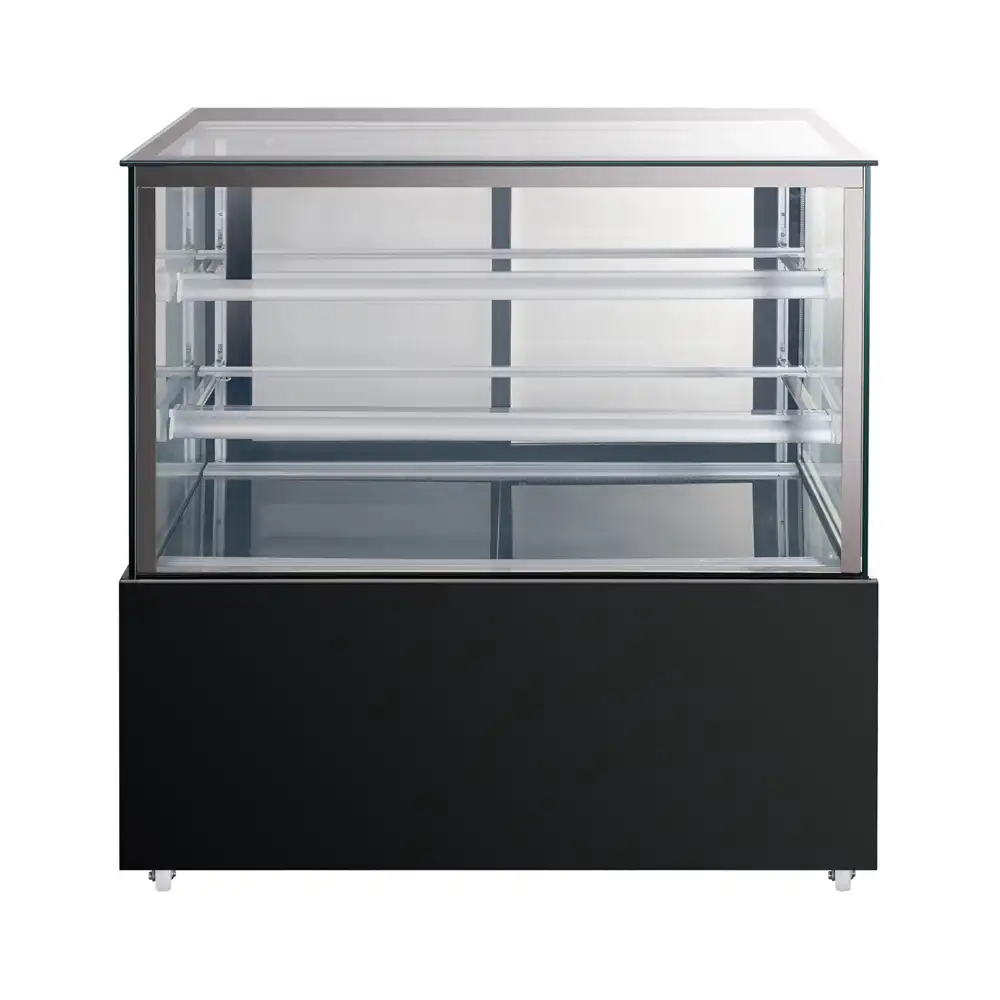
How to Zone a Display Cooler for Eye Level Sales and Cold Air Flow
Zone the cabinet the way a customer’s eyes move: up, center, then down. The eye-level shelf is the highest-converting position and should hold high-margin impulse items, new releases, and products with the shortest shelf life. The top shelf works for lighter single-serve packages, but only if the product depth stays shallow enough to avoid blocking the evaporator return path. The lower shelf and bottom bin run colder and are better for backup stock, large bottles, and multipacks that do not need label-forward presentation. The table below is the zoning guide we use with OEM and ODM clients when they build a planogram.
| Cabinet zone | Thermal behavior | Best product placement | Main risk to avoid |
|---|---|---|---|
| Top shelf | Warmest when rear airflow is blocked | Light single-serve packs, desserts | Deep stacking against back wall |
| Eye-level shelf | Stable if front gap is maintained | High-margin impulse items, new flavors | Hidden labels from deep rows |
| Lower shelf | Colder, lower visual traffic | Large bottles, backup stock | Door gasket gaps at the bottom |
| Bottom bin | Coldest, limited display value | Multipacks, overflow inventory | Blocked air vents and spills |
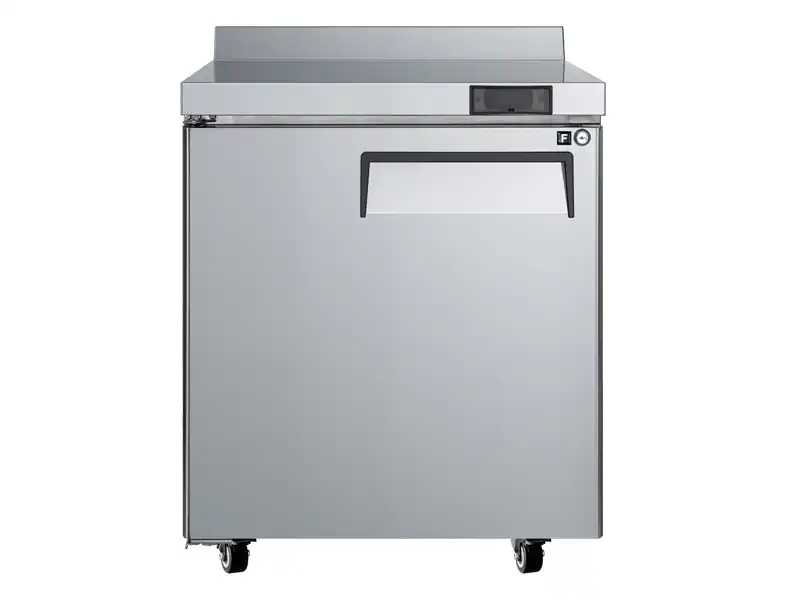
Does the Top Shelf Always Run Warmer in a Display Cooler?
No, the top shelf does not always run warmer. It becomes warmer when tall packs are pushed against the rear wall and block the return air path. In our temperature mapping tests, a 25 mm rear clearance reduced that drift to within 1°C of the controller reading. Shelves near the door gasket can also warm when the gasket is worn or when the door is opened frequently. If the top shelf carries desserts or dairy, keep those items shallow and front-facing rather than stacking them three deep.
How to Arrange Products in a Display Cooler by Category, Color, and Stock Rotation
Category blocking is the strongest visual arrangement for a self-service cooler because it lets a customer scan one band of flavors or one product family without searching. Within each category, put the strongest color contrast next to neutral packaging; a bright juice against a white dairy row draws the eye faster than a wall of same-color packs. Then apply stock rotation by placing shorter-dated items at the front and longer-dated backups behind, but keep the front row low enough that cold air still reaches the next row. We have found that front-facing every row by one pack width creates the clean visual line buyers expect without turning the cabinet into a dense wall.
How Should Dairy and Beverages Be Separated in a Display Cooler?
Separate dairy and beverages by shelf rather than by door because dairy has a narrower temperature tolerance and the low shelf is usually colder and more consistent. We recommend placing dairy on the lower shelf or in a rear area where the evaporator air enters, and keeping beverages on the upper and eye-level rows where they are seen first. Cross-contamination from dripping packages is another reason to keep dairy below ready-to-drink bottles. If the cabinet has only one door, use clear dividers between categories so customers do not move products between shelves.
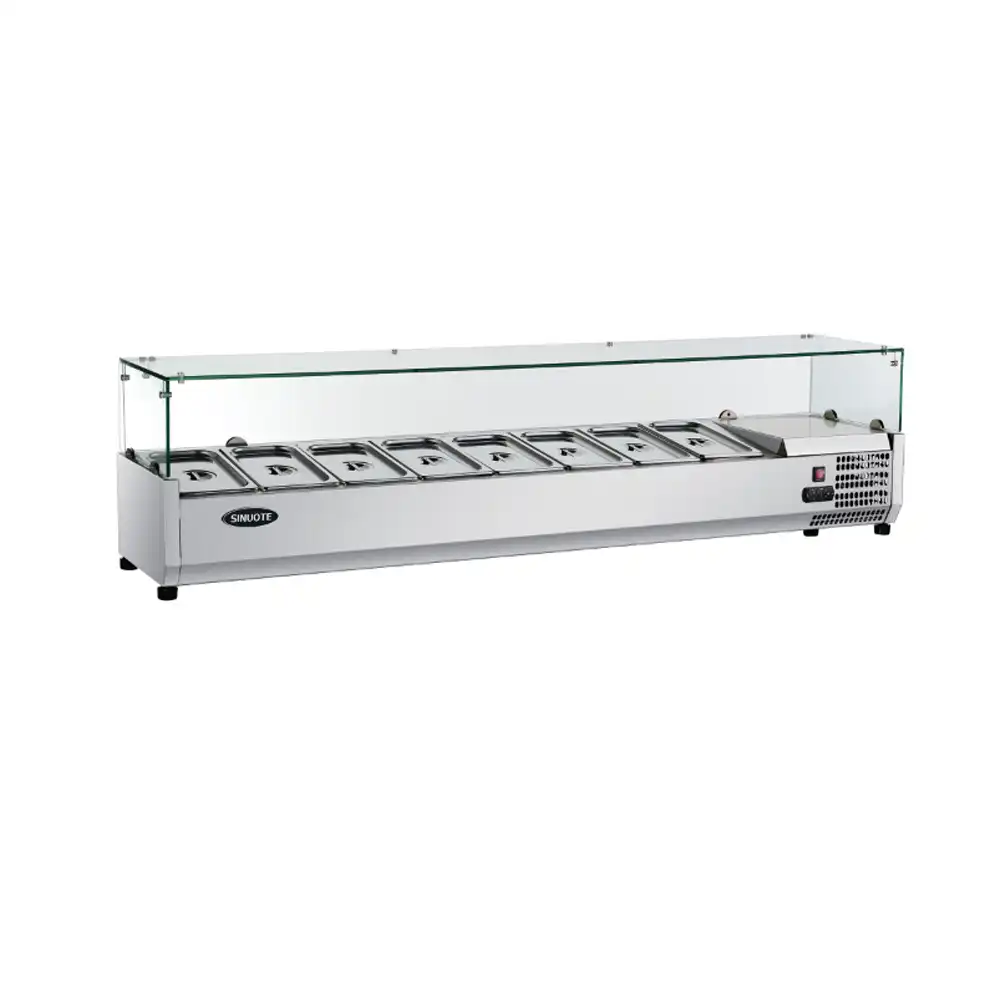
If your display cooler uses a rear evaporator cover or narrow shelf depth, the product-to-wall clearance changes by model. Send your cabinet model and shelf depth to Sales@hzcamay.com and we will confirm the divider and front-stop arrangement that keeps the return air path clear while holding labels forward.
How to Avoid Common Display Cooler Arrangement Mistakes That Cut Sales
The most expensive mistake is not an empty shelf; it is a full shelf that blocks airflow. We have seen a packed top shelf push the cabinet into a warm zone while the digital controller still reads normal because the sensor sits in a different part of the cabinet. A second mistake is face-up beverage cans or jars; customers read labels, not lids. A third is placing brown bottles against a dark interior without shelf lighting, where the product disappears even though the cooler is full. Fix these three issues before changing the thermostat. The cabinet is usually working; the arrangement is fighting it.
Display cooler arrangement and reach-in refrigerator loading share the same airflow logic, especially around door openings and shelf depth. <Choosing the Best Commercial Reach In Fridge for Your Restaurant> covers how door type and shelf spacing shape product visibility and daily restocking speed, which is a useful comparison if you are planning a front-of-house display cooler next to a kitchen reach-in unit.
How to Confirm Display Cooler Layout With Your Manufacturing Partner
When a display cooler runs warm on the top shelf despite a correct controller reading, the issue is usually an arrangement problem, not a refrigeration fault. We have handled enough of those service questions to know that changing product-to-wall clearance and front-facing orientation resolves most temperature complaints before a technician is needed. For a new display cooler program or a shelf layout that must match a specific bottle diameter, send your cabinet dimensions, product size, and target temperature band to Sales@hzcamay.com or call +8618157202219. Our engineering team at Camay will confirm the door type, shelf spacing, and lighting option that keeps the arrangement visually strong and cold-chain safe.
How to Answer Common Questions About Display Cooler Product Arrangement
Is a fuller display cooler always more visually appealing?
A full cabinet reads as popular, but only if density does not block airflow. Customers respond to abundant but orderly rows where each pack shows its front label. In a glass door cooler, tall stacks against the back wall can make the top shelf run several degrees warmer while the controller still reads normally. The better target is a visually dense but air-permeable arrangement: one or two rows deep, full width, with a clear product-to-wall gap. That looks stocked without turning the cabinet into a thermal obstruction.
Why does the top shelf sometimes feel warmer than the digital controller reading?
The digital controller is often correct, and the top shelf is the affected zone. When products block the return air path behind the upper shelf, cold air short-circuits to the evaporator without sweeping across those packs. A worn door gasket or frequent door openings can also warm the front of the top shelf. Before adjusting the set point, pull the rearmost packs forward 25 mm and check the gasket seal. If the top shelf still drifts, confirm the cabinet has not been overfilled beyond its designed volumetric limit.
How often should products in a display cooler be rotated?
In merchandising projects our team has handled, a daily front-facing rotation returns more sales than a weekly deep restock. The front row should hold shorter-dated items, with longer-dated backups placed directly behind. At the end of a shift, move remaining front-row packs back and pull newer stock forward by one pack width. This keeps labels facing the glass and prevents old stock from hiding at the rear. For high-turn beverage coolers, restock during slow periods so the door does not stay open during the busiest impulse-buying window.
Should a clear door display cooler stay fully stocked all day?
It depends on the door type and the packaging. For a self-service cooler that sells bottled beverages, keeping the eye-level shelf fully stocked after the lunch peak usually improves the visual effect without harming airflow. But for a display cooler holding desserts or dairy, a completely packed shelf can block return air and warm the front row. The safer rule is to keep the cabinet full across the shelf width but no more than two rows deep, and to refill after the rush rather than overloading before service. If your program mixes bottle diameters, share your shelf depth and door type with Sales@hzcamay.com and we will confirm the divider and front-stop layout that keeps labels from drifting.
If you’re interested, check out these related articles:
Boost Kitchen Efficiency Workflow Optimization with Chef Base Fridges
Choosing the Best Commercial Reach In Fridge for Your Restaurant